How to choose your first 3D printer: FDM vs resin and what to budget
FDM or resin? Enclosed or open? Multicolor or single? A plain-English guide to choosing a first 3D printer, with four Elegoo picks from $195 to $449.
PulseWizer is reader-supported. We may earn a commission if you buy through links on this page. How we make money.
Elegoo Centauri Carbon 2 Combo
4 products compared in this guide.
A first 3D printer is easy to over- or under-buy. The right choice depends on what you want to make, where it will live and how much mess and fuss you will tolerate. This guide takes you through the decisions in order, then suggests four printers from Elegoo, using prices shown on its site on 14 November 2026. We did not test these printers ourselves; specifications come from Elegoo and third-party reviews.
Our top picks
- Best all-rounder: Elegoo Centauri Carbon 2 Combo, $449 (enclosed, multicolor).
- Best budget FDM: Elegoo Neptune 4 Pro, $260.
- Best budget resin: Elegoo Mars 5, $195.
- Best resin for detail: Elegoo Saturn 4 Ultra 16K, $563.
How we chose
We looked for printers with published speeds and temperatures, auto-calibration (the biggest beginner pain point), a sensible upgrade and spare-parts path, and independent reviews that confirm the print quality.
Step 1: FDM or resin?
Choose FDM if...
You want useful objects: brackets, enclosures, cosplay props, replacement parts, toys. FDM prints are tougher, the material is cheap and cleanup is minimal.
Choose resin if...
You want fine detail: tabletop miniatures, figurines, jewellery masters. Resin is smelly and messy: you need gloves, ventilation, a wash-and-cure step and a plan for waste resin. Many resin owners keep the printer in a garage or utility room.
Step 2: enclosed or open?
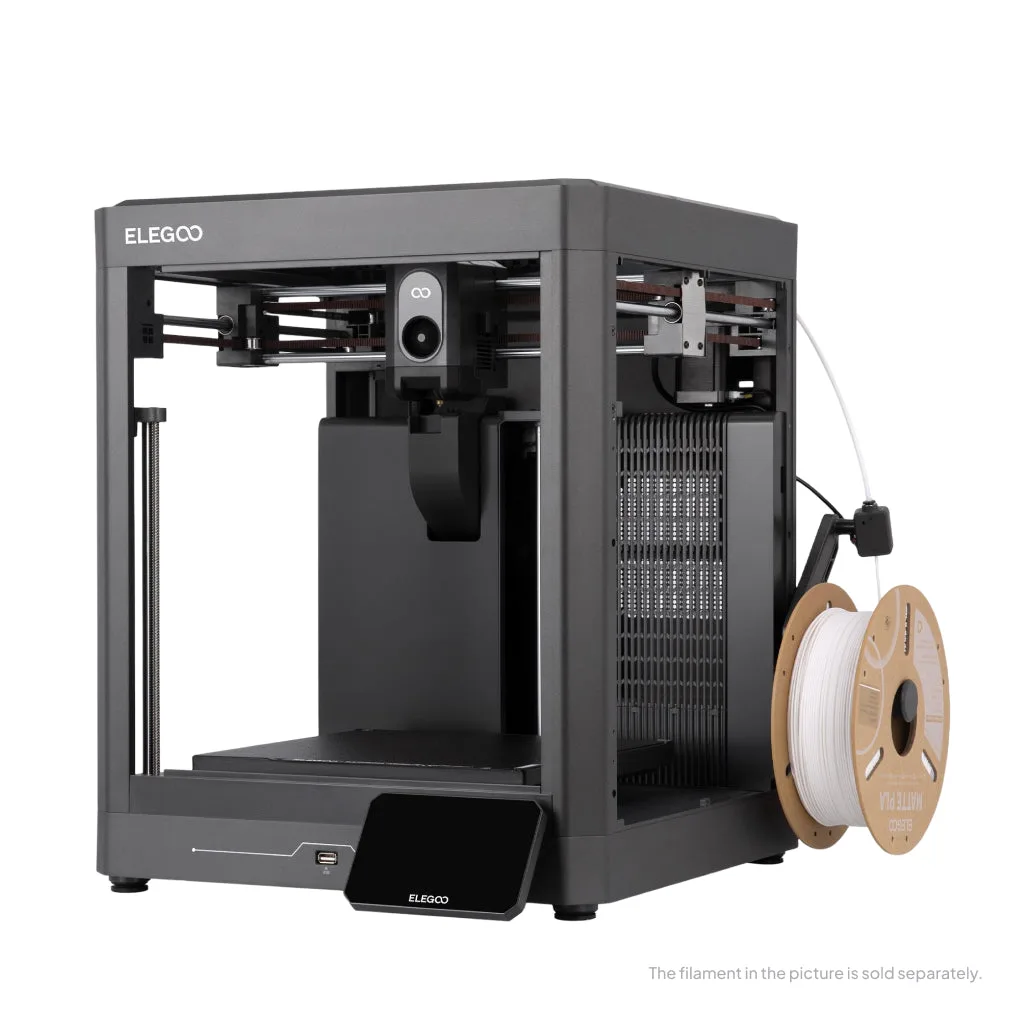
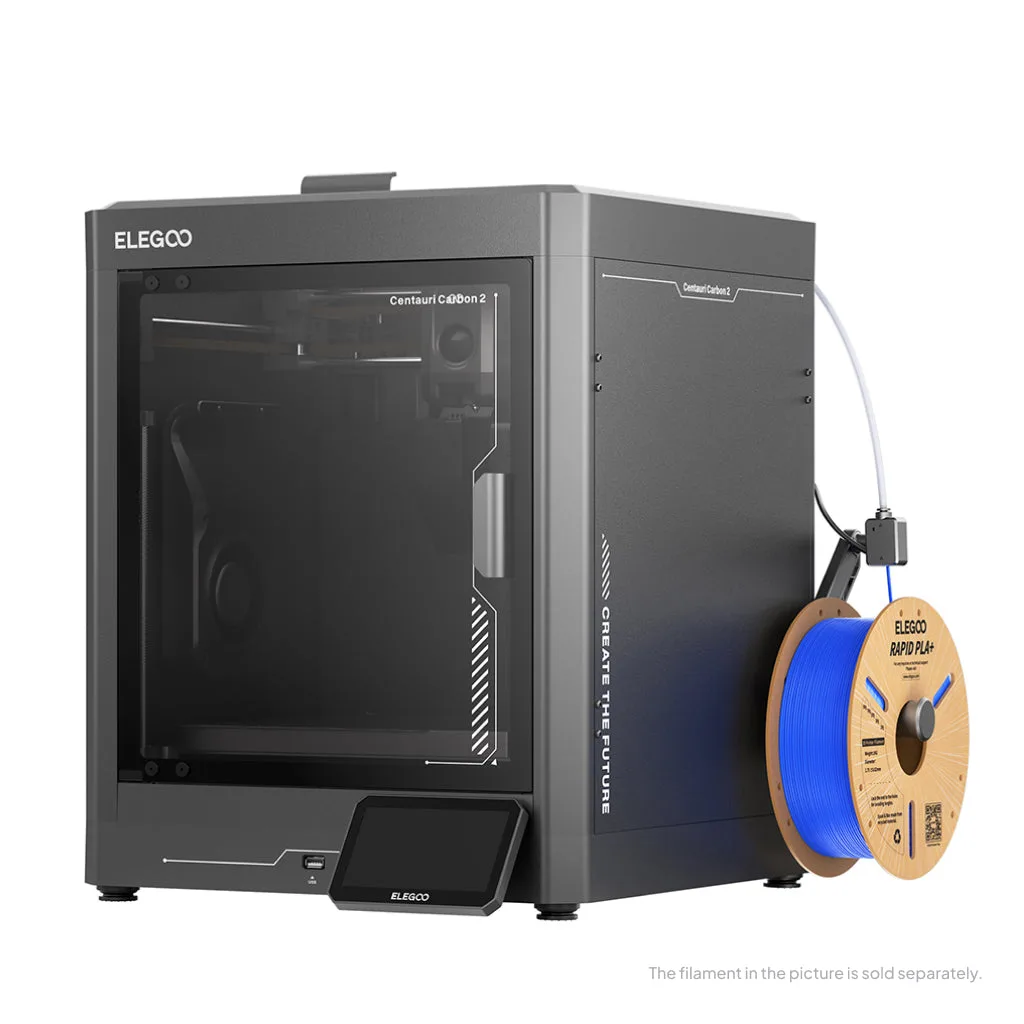
An enclosed FDM printer keeps heat in, reduces noise and drafts, and lets you print materials such as ABS and nylon. It also looks neater on a desk. Open-frame printers are cheaper and easier to access. The Centauri Carbon 2 is enclosed; the cheaper Centauri 2 and the Neptune 4 Pro are open.
Step 3: single colour or multicolor?
Multicolor printing used to need expensive add-ons. The Centauri Combos include a multi-filament system for up to four colours. Reviewers compare it to Prusa's MMU, and note it is not the same as Bambu Lab's AMS. If you only print in one colour, save money with the standard model.
Step 4: auto calibration and speed
Look for automatic bed levelling and calibration so the first layer works without manual fiddling. Elegoo advertises smart auto-calibration on the Centauri models and speeds up to 500 mm/s on the Centauri Carbon 2 and Neptune 4 Pro. Real-world speeds are lower because of acceleration and print quality limits.
Step 5: budget for the extras
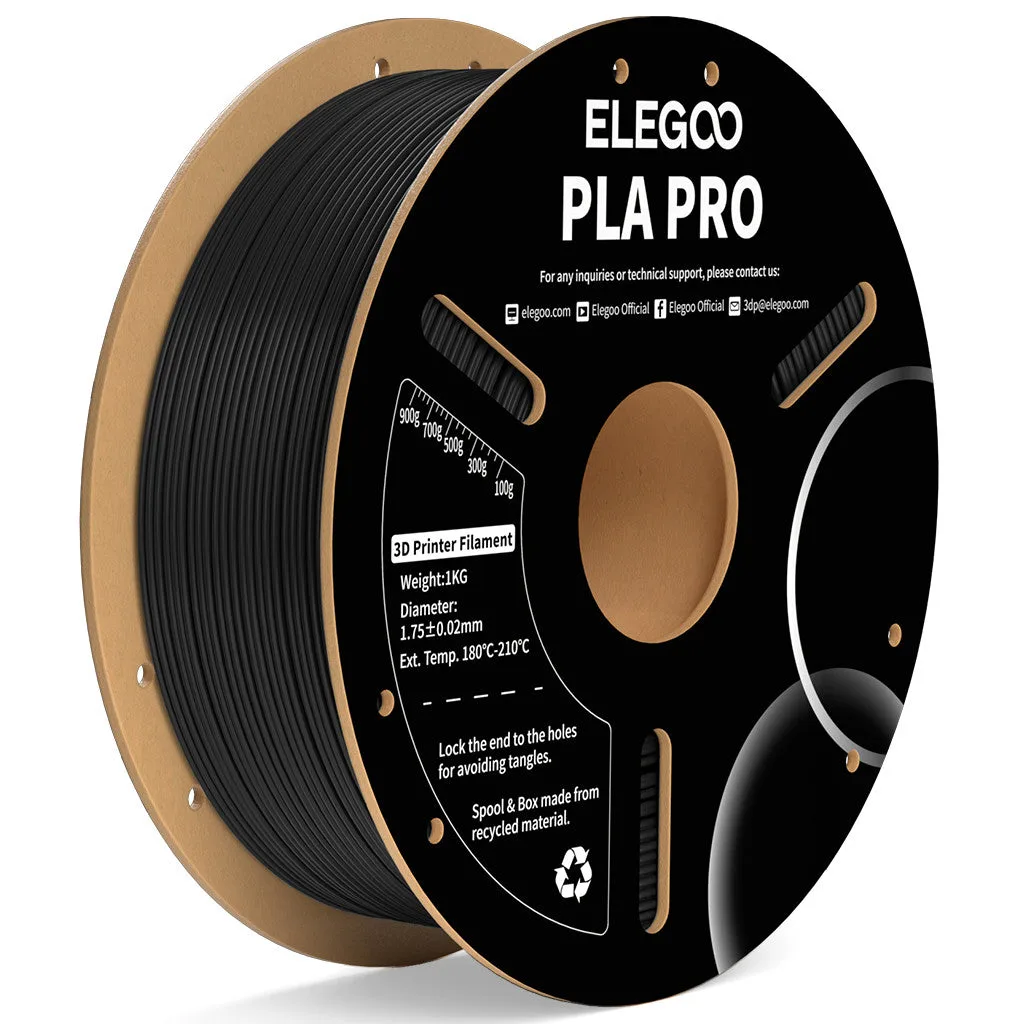
- Filament: PLA is easiest; Elegoo spools run about $14 to $19 per kilogram.
- Resin printers: add a wash and cure station, resin, gloves, IPA or water-washable resin ($26 to $47 per bottle shown).
- Spares: nozzles, hotends and build plates wear out. Elegoo lists hotend kits at about $20 to $43.
- A filament dryer (Elegoo's H1 HT is $70) helps with moisture-sensitive materials.
Our picks in detail
Elegoo Centauri Carbon 2 Combo ($449)
An enclosed CoreXY with a 350°C hardened nozzle, up to 500 mm/s and built-in multicolor. The best single recommendation if you want to start with few compromises. See our review.
Elegoo Neptune 4 Pro ($260)
Open-frame FDM with auto bed levelling, a dual-gear direct extruder and a 300°C nozzle. The value option when you do not need an enclosure or multicolor.
Elegoo Mars 5 ($195)
A small 4K resin printer with auto-levelling. Ideal for trying miniatures cheaply.
Elegoo Saturn 4 Ultra 16K ($563)
A 10-inch, 16K resin printer for more detail and bigger batches. Elegoo quotes 150 mm/h printing speed.
Where to buy
See current prices, combos and seasonal sales at Elegoo. We may earn a commission if you buy through that link, at no extra cost to you. For the brand overview see our Elegoo explainer, and for a head-to-head see Centauri Carbon 2 vs Bambu Lab P1S.
FAQ
Is resin safe at home?
It can be if you follow the maker's safety guidance: ventilate, wear gloves, keep resin away from children and pets and never pour waste resin down a drain. If that sounds like too much, choose FDM.
How big can I print?
Reviewers list a 256 mm cube for the Centauri Carbon 2. Check the product page for each model's build volume.