How to choose a desktop laser engraver: diode power, enclosure and safety
Diode or fiber? 10 W or 45 W? Enclosed or open? A practical laser engraver buying guide with four WeCreat picks from about $490 to $3,390.
PulseWizer is reader-supported. We may earn a commission if you buy through links on this page. How we make money.
WeCreat Vision Pro 45W Diode Laser Cutter Engraver
4 products compared in this guide.
A desktop laser engraver can turn wood, leather and acrylic into custom products, but the wrong machine wastes money and creates safety risks. This guide explains what to check, then picks four machines from WeCreat using prices from its store on 14 November 2026. We have not tested these machines; details come from WeCreat's pages and published reviews (Tom's Hardware, TechRadar and others).
Our top picks
- Best overall: WeCreat Vision Pro 45W, from $1,890.
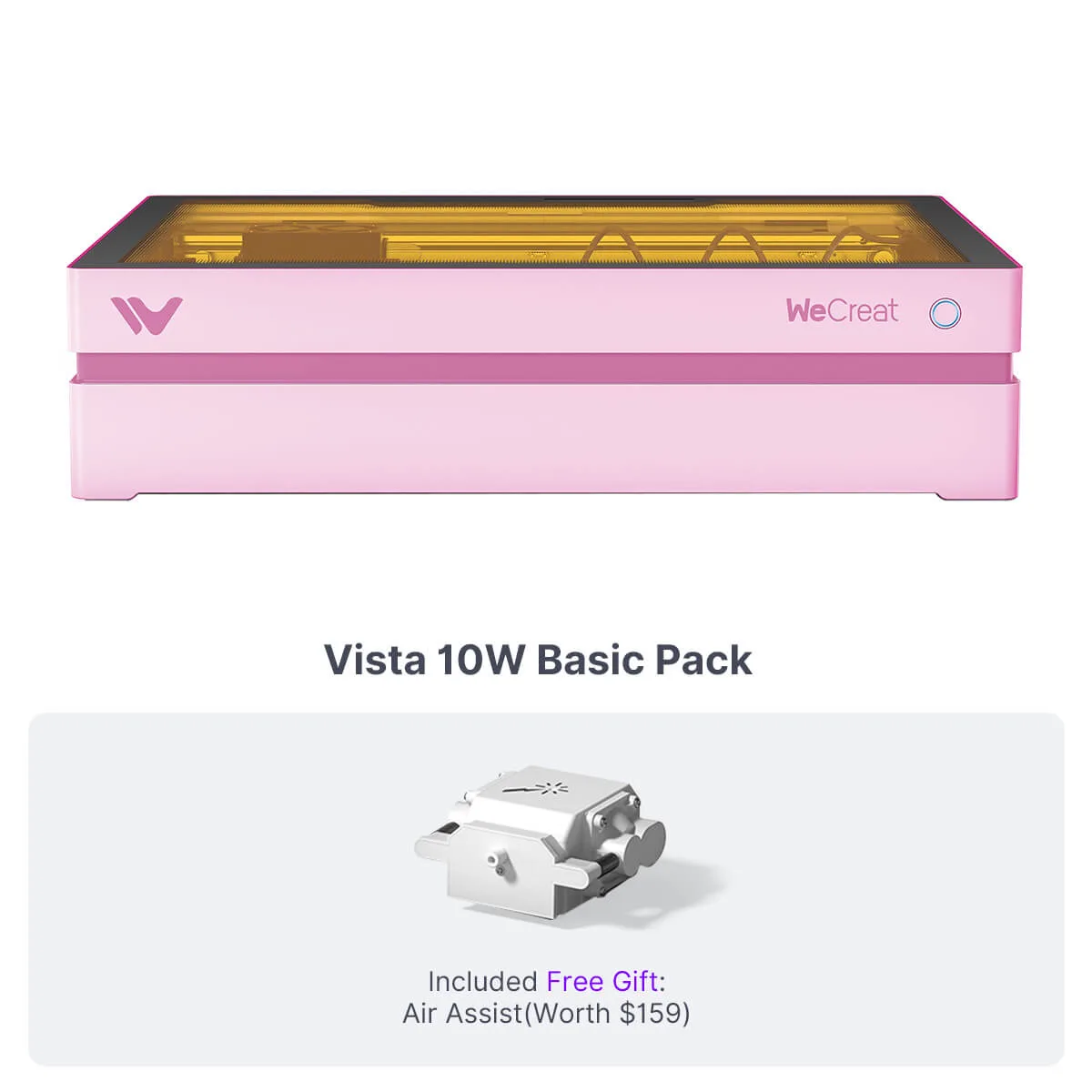
- Best for beginners and crafts: WeCreat Vista 10W/20W, from $490.
- Best mid-range: WeCreat Vision 20W, from $1,190.
- Best for selling metal items: WeCreat Lumos (portable multi-laser), from $890.
How we chose
We looked for enclosed designs, camera-assisted positioning, sensible work areas, published power ratings and clear return terms, because lasers are hard to judge from specs alone.
Step 1: decide what you will cut and engrave
Diode lasers handle wood, leather, many plastics, coated metals and dark acrylic. They struggle with clear acrylic and bare metal. If you want to engrave real metal, you need an infrared or fiber laser, which is what WeCreat's Lumos line offers.
Step 2: power is not the whole story
Higher wattage cuts thicker material faster. The Vision Pro's 45 W diode with BeamFocus is advertised as cutting like a 60 W laser, and reviewers describe a noticeable step up over 40 W machines. But the optics, speed and software matter too. A 10 W machine is fine for engraving and thin cuts.
Step 3: enclosure and safety
An enclosed machine contains the beam and most smoke. The Vista and Vision series are described as FDA Class 1 enclosed, so no goggles are needed in normal use. Open-frame lasers need protective eyewear for you and anyone nearby. Safety should outweigh a small price saving.
Step 4: ventilation
Burning material creates fumes. Vent outdoors, or use a filter-based extractor. WeCreat sells a fume extractor for the Vision and Vista with 3-layer filtration. Never run a laser without ventilation or leave it unattended.
Step 5: work area and extras
Check the work area for your biggest project. The Vision Pro lists 19.7 x 12.6 inches. Consider a rotary attachment for tumblers (WeCreat markets a 40 oz Stanley tumbler capability), air assist, and a conveyor for batches.
Step 6: software and camera
A built-in camera for aligning designs on material is a big usability win. WeCreat's machines use its MakeIt software.
Our picks in detail
WeCreat Vision Pro 45W (from $1,890)
The flagship diode machine: large work area, high power and an Editor's Choice from Tom's Hardware. See our full review.
WeCreat Vista 10W / 20W (from $490)
A compact enclosed starter with an easy rotary.
WeCreat Vision 20W (from $1,190)
A mid-range option with auto-lifting up to 140 mm tall materials.
WeCreat Lumos (from $890)
For metal work: multi-laser portable machines with fiber, diode and IR options.
Returns
WeCreat offers free shipping and a 30-day money-back guarantee for undamaged products. A machine this complex deserves a thorough test within that window.
Where to buy
See current packs and prices at WeCreat. We may earn a commission if you buy through that link, at no extra cost to you. For the brand overview see our WeCreat explainer, or compare in Vision Pro vs xTool S1.
FAQ
Can I engrave metal with a diode laser?
Only with coatings or marking compounds. For bare metal, use a fiber or infrared laser.
Do I need a fume extractor?
You need ventilation, either venting outdoors or filtering the air.